Go to next race
Adjust your Sreen Resolution
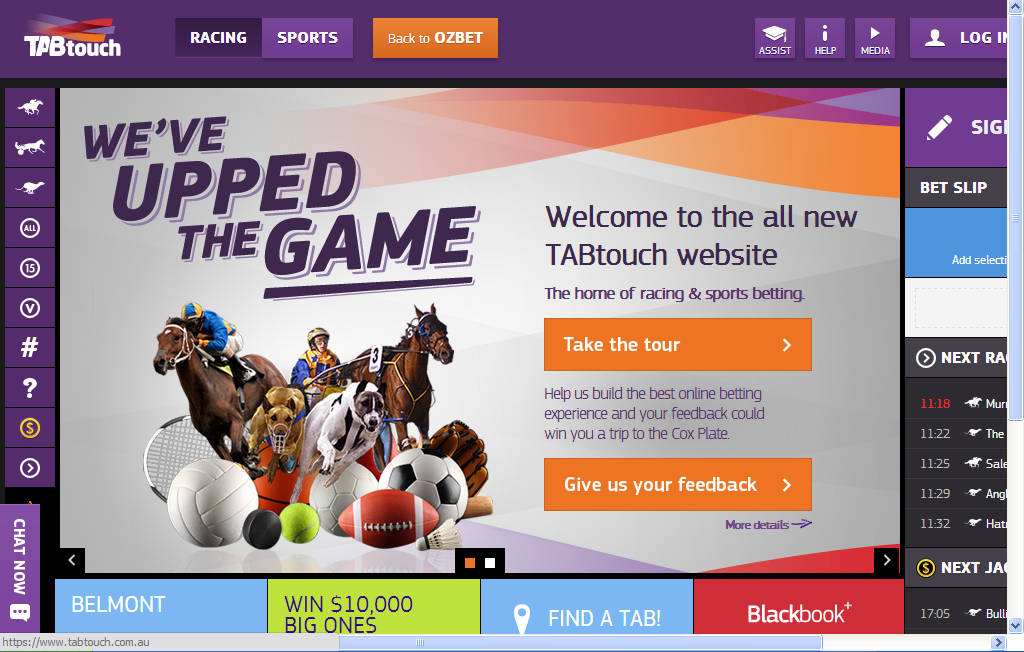
If TABtouch looks like this screenshot below. Follow the steps below to fix your resolution
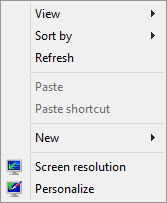
1) Right click on your Desktop
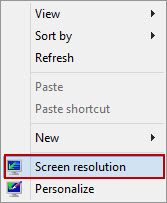
2) Click on Screen Resolution.
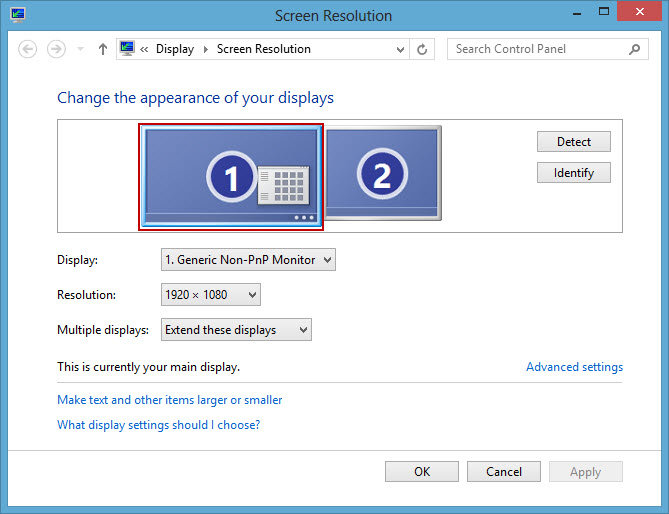
2a) If you have more than one screen: make sure screen number One is selected.
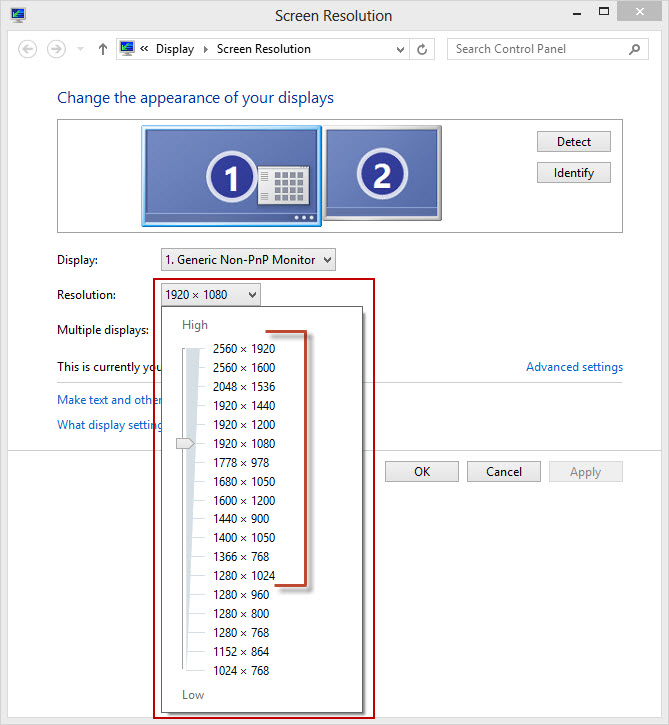
3) Click on Resolution drop down menu.
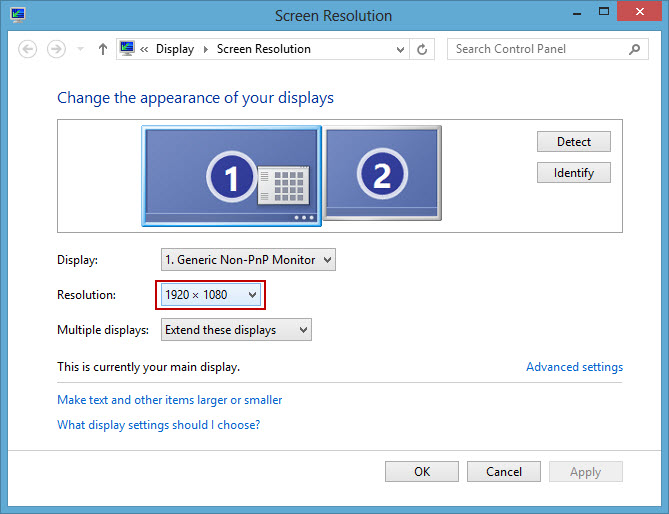
5) Adjust the toggle to a minimum of 1280 by 1024 pixels.